Ramadan with Wird: what's coming and how to prepare
“The month of Ramadhan [is that] in which was revealed the Qur'an, a guidance for the people and clear proofs of guidance and criterion.” (Al-Baqarah, 185, Sahih International)
Ramadan is the month of the Qurʼan. Every Ramadan, Jibril reviewed the Qurʼan with the Prophet, peace be upon him, which is why Muslims turn to the mushaf in this month more than in any other, and many of us want to finish a khatma in exactly this month, some even more than one. There are about a hundred days left until Ramadan. That may sound like plenty of time, but right now is exactly the moment to slowly start preparing.
The wise do not prepare for Ramadan in its last week, but long before it: it is reported that the early generations prayed to Allah for months to let them reach Ramadan. Whoever settles in early, reads regularly and knows exactly what they want to achieve meets Ramadan ready and makes use of it to the very last day, while whoever waits for the first night often only finds their rhythm somewhere in the middle of the month. Preparing early is, quite simply, the best way to get the most out of Ramadan.
This Ramadan, Wird gets a special mode, so we are writing to you in good time: so you know exactly what to expect, can decide in advance how you will read, and meet the first night fully ready.
A Ramadan look and a choice of khatma
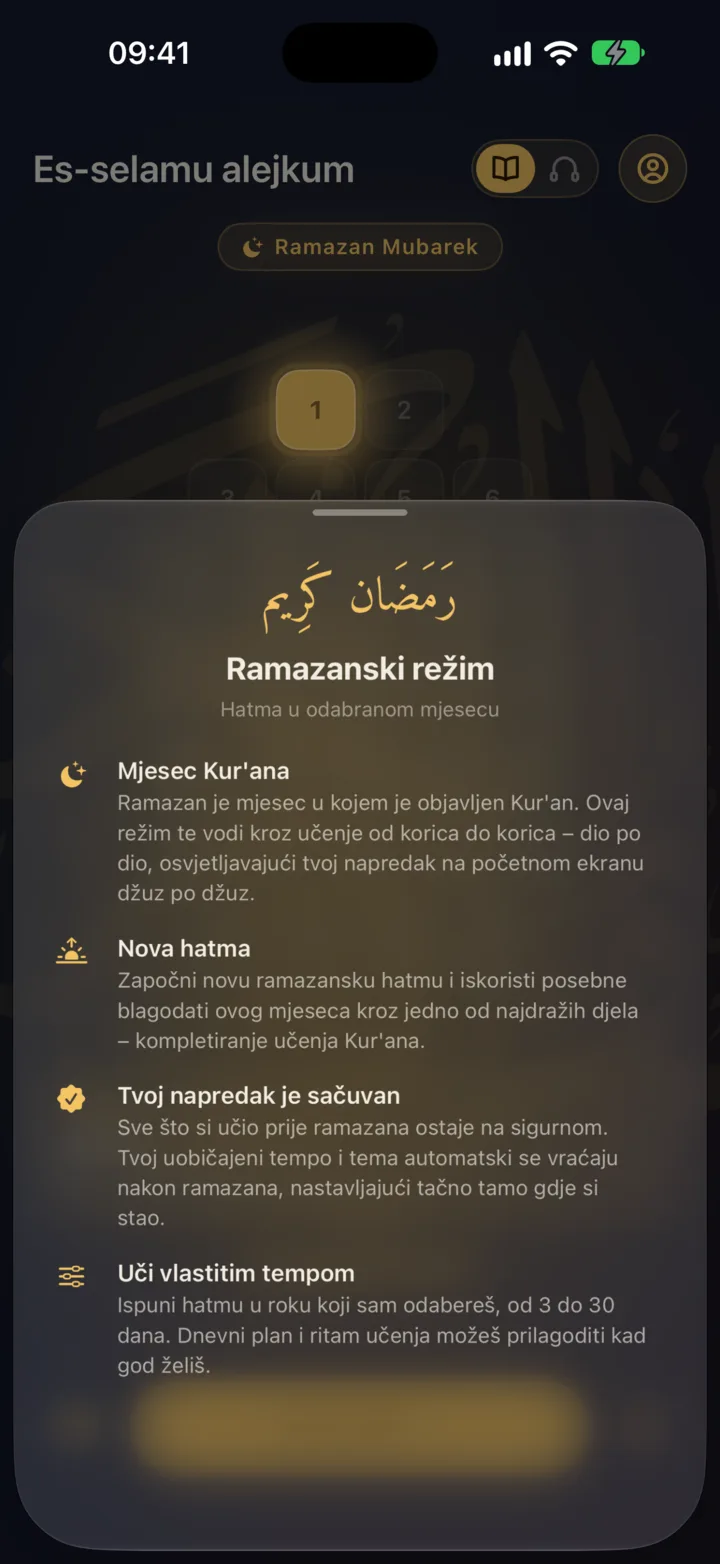
On the eve of Ramadan, Wird puts on a special look: warmer colours and a distinct visual feel, with everything set up especially for this month. You don't have to switch anything on. All you need is the latest version of the app, and everything else happens on its own.
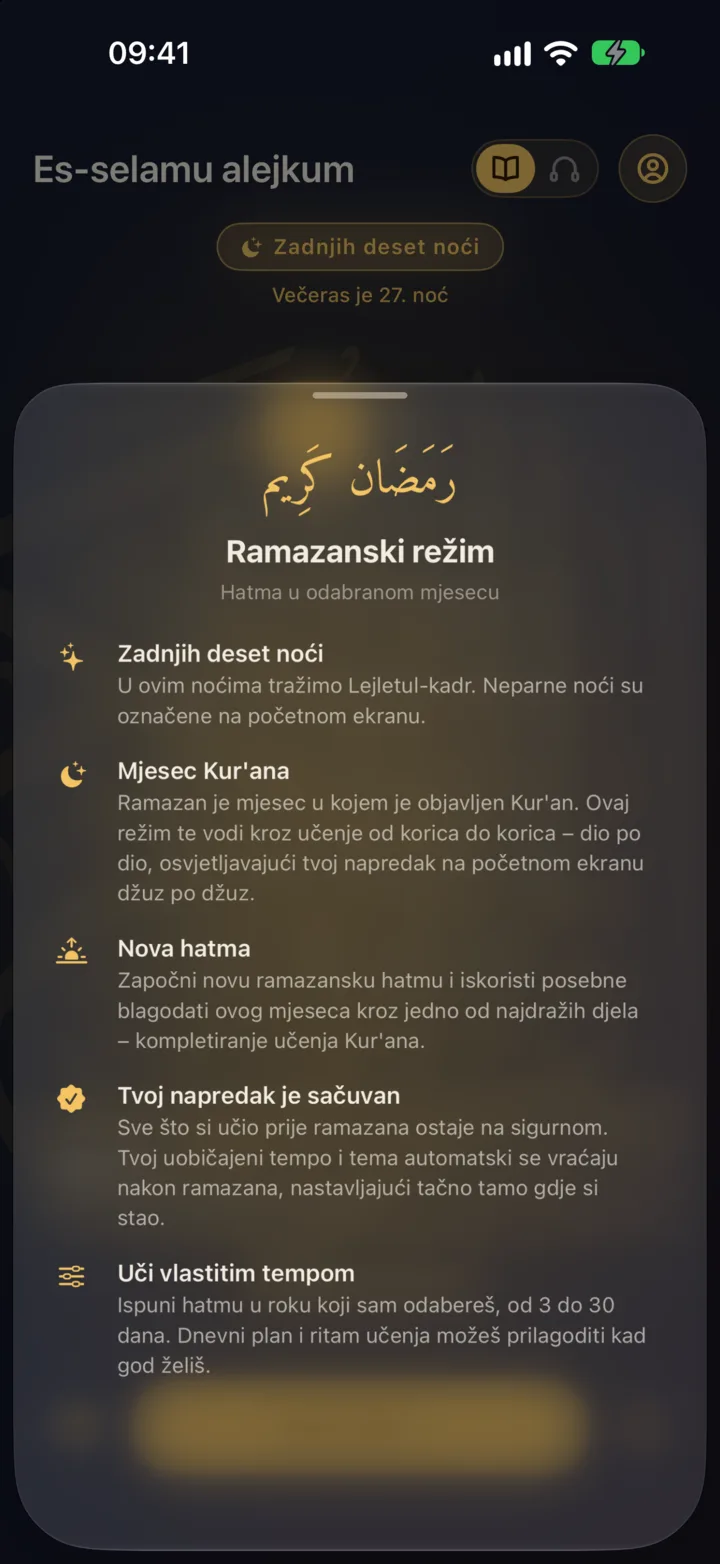
The first time you open Wird in Ramadan, one short question will be waiting for you: how do you want to read this month?
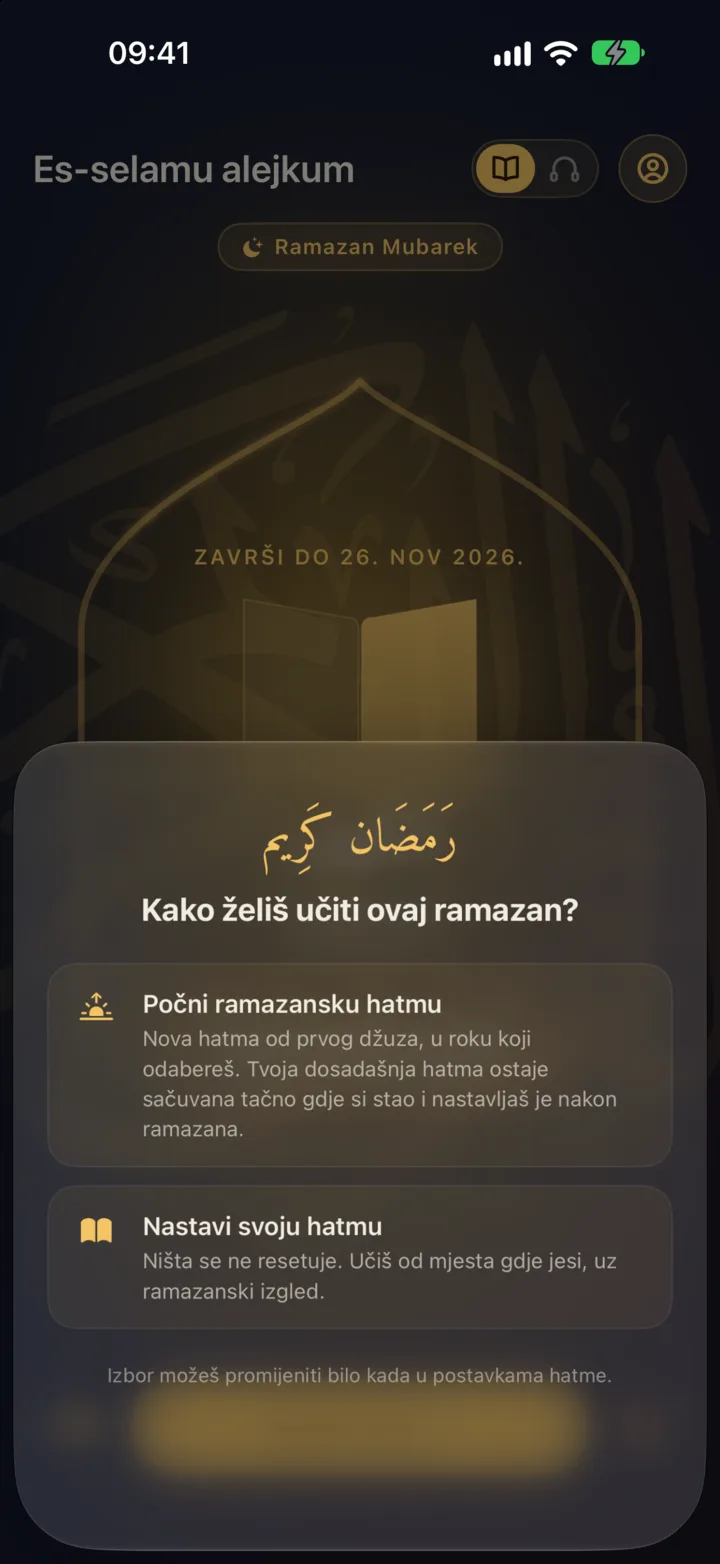
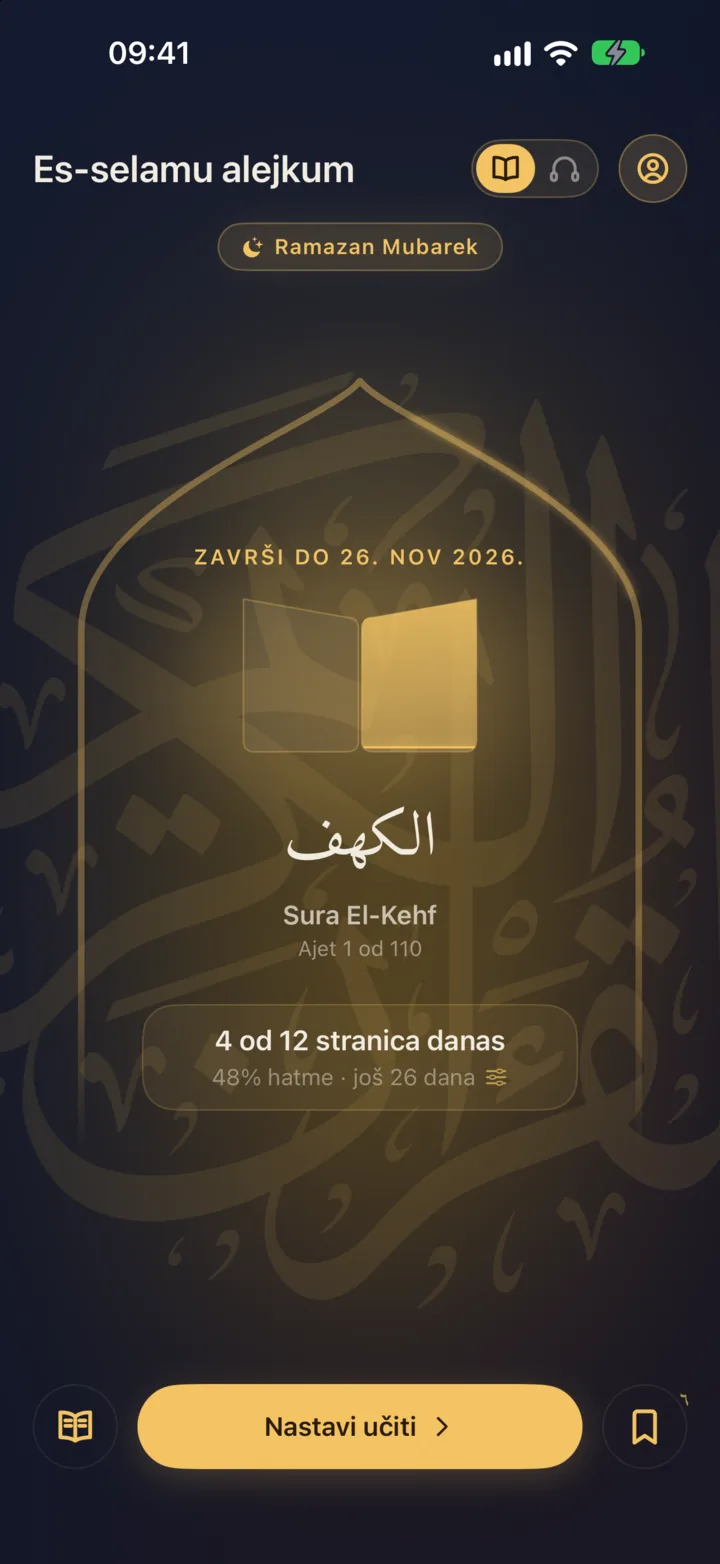
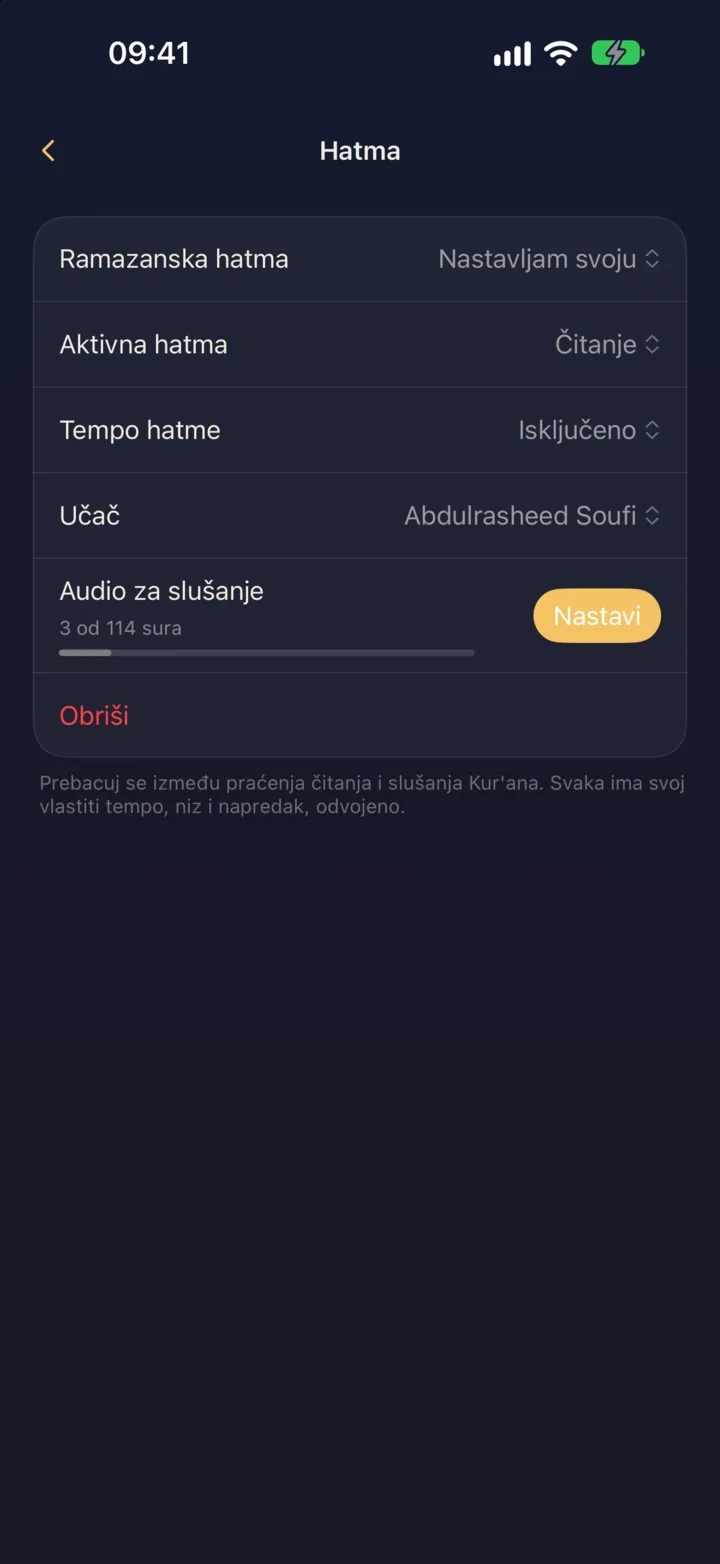
The first choice is a Ramadan khatma. You start completely fresh, from the first juz and the first page, with the clear goal of finishing the whole Qurʼan by Eid. You pick the length yourself, from 3 to 30 days, and your daily wird is worked out from that automatically. Your regular khatma so far stays safely saved at the exact ayah where you stopped, so after Ramadan you simply carry on from there as if it had never been interrupted.
The second choice is to simply continue your current khatma. Nothing is reset: you read from exactly where you are now, and when you finish it, you start a new one as usual.
If you change your mind halfway through the month, you can always change your choice in settings. While Ramadan lasts, personal themes and the options to export or import your progress will be temporarily hidden, and after Ramadan everything goes back to how it was.
Which should you choose?
There is no wrong choice, but here is how we think about it:
- If you want to finish a khatma in Ramadan itself, from start to finish, choose the Ramadan khatma, and your current khatma will wait patiently for you right after Eid.
- If you are already close to the end of your khatma, it may be nicest to finish it before Ramadan, so you meet the month unburdened, with a new, Ramadan one.
- If you would rather change absolutely nothing and read at your usual pace, just carry on: every ayah you read is written down and counts, in Ramadan as at any other time.
A mosaic of the Qurʼan and the last ten nights
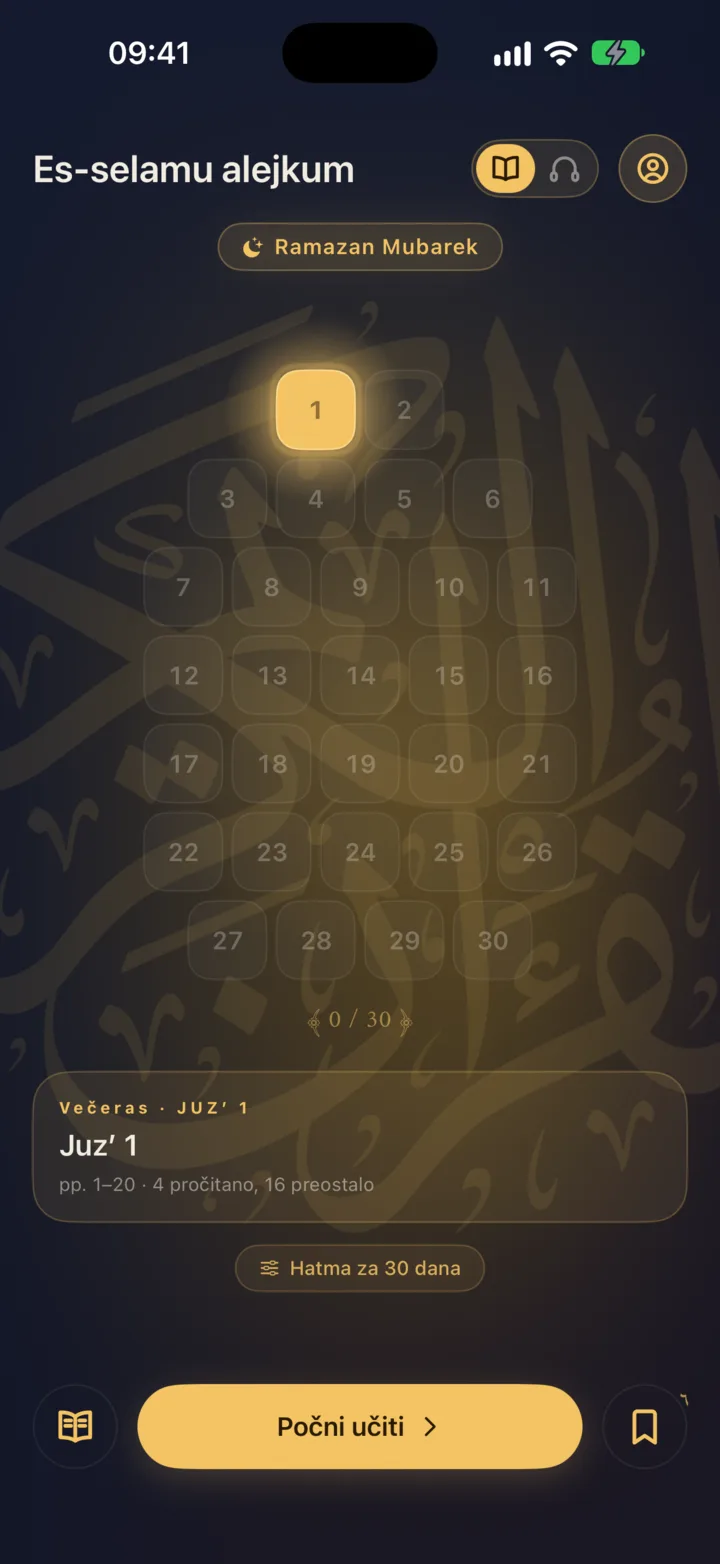
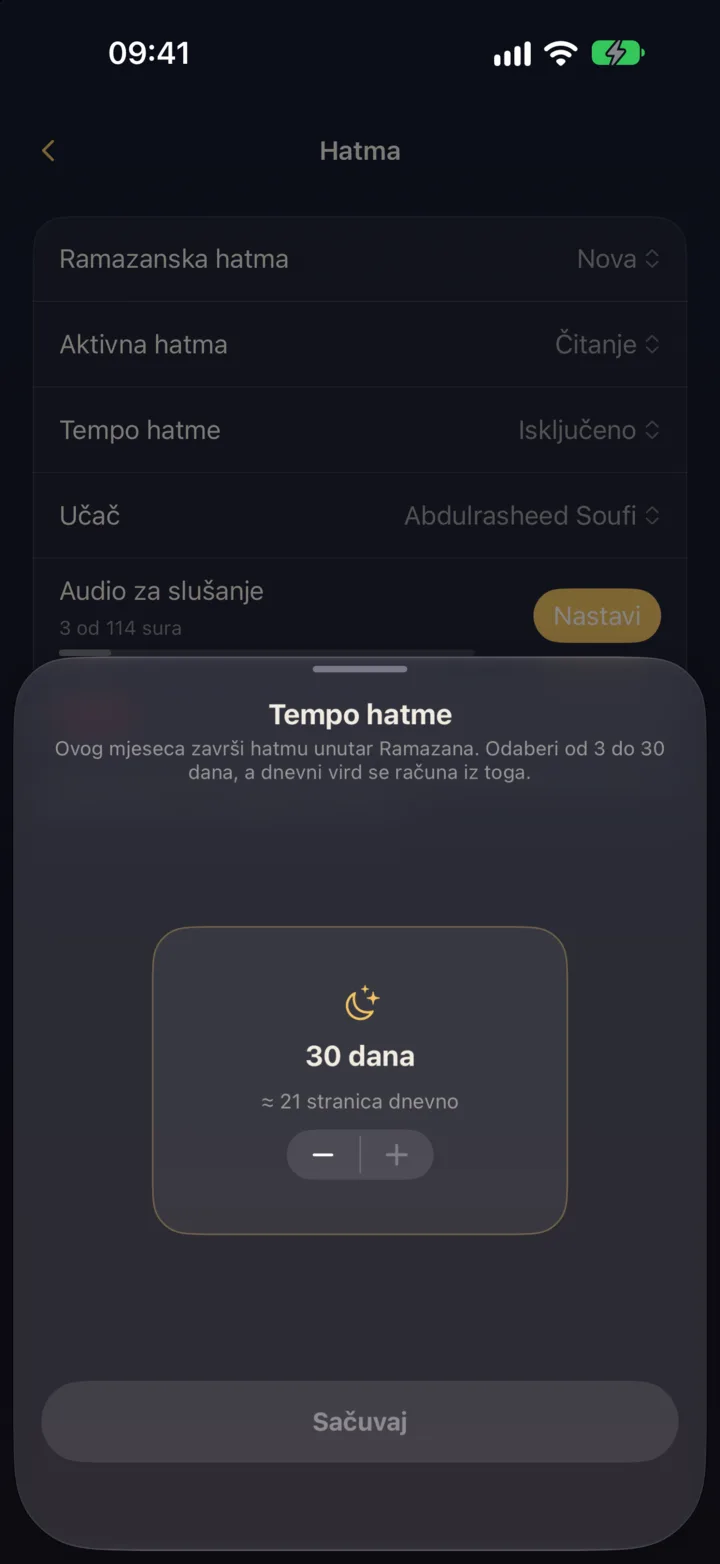
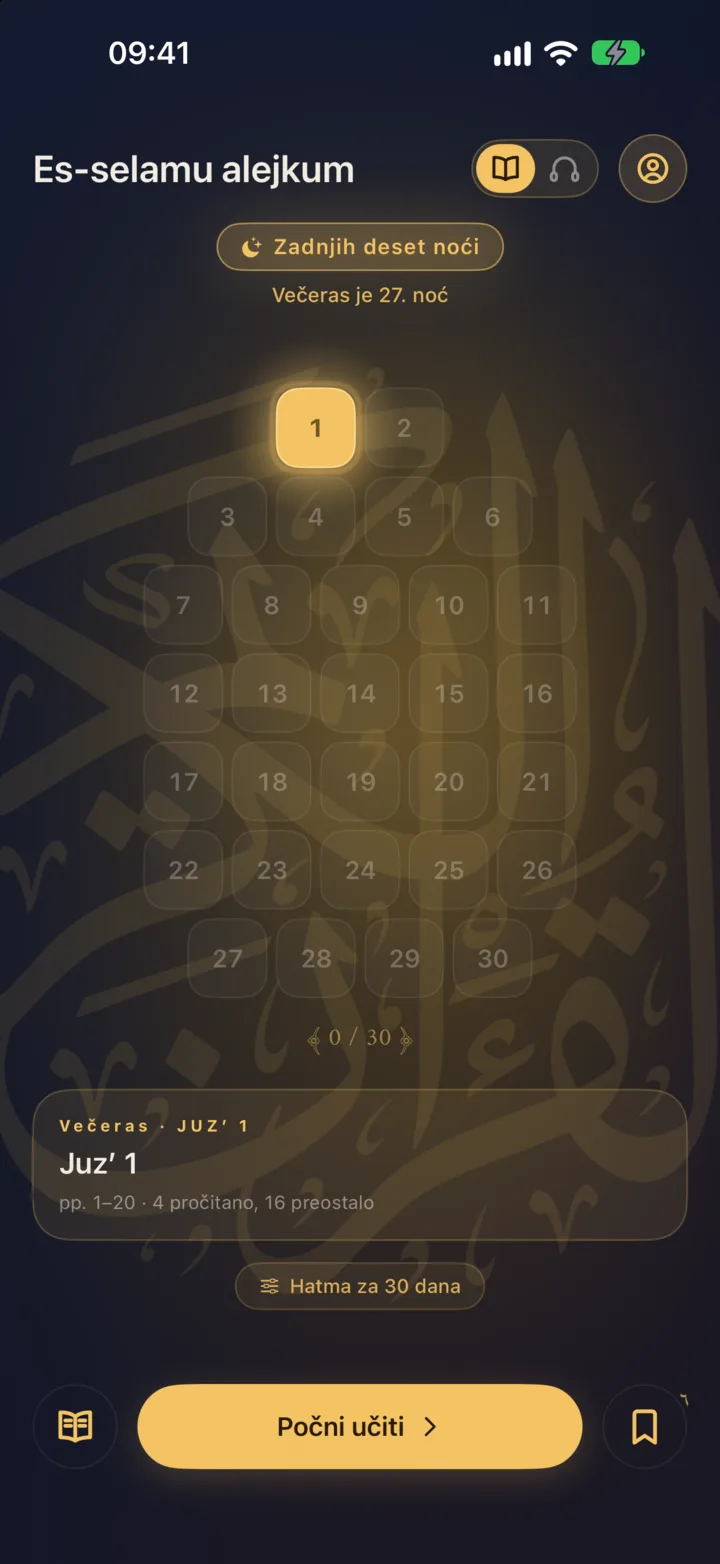
If you choose the Ramadan khatma, the home screen turns into a true mosaic of the whole Qurʼan made of 30 tiles, one for each juz. The tiles light up as you progress, so at a glance you see where you are and what tonight's part is. If you choose a 30-day plan, that is roughly one juz every night. If you happen to miss a night, that juz waits quietly for you to make it up, with no pressure at all and no red, stressful numbers.
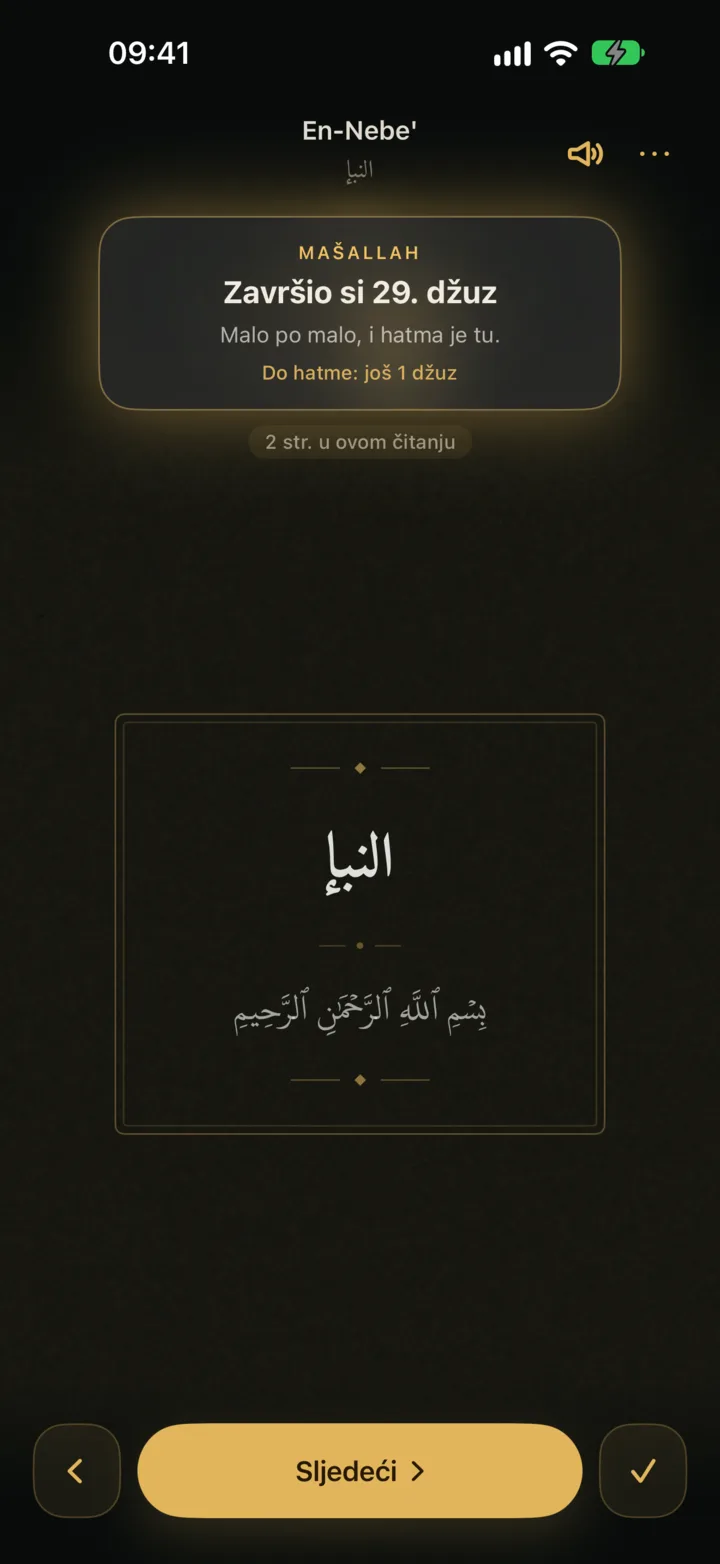
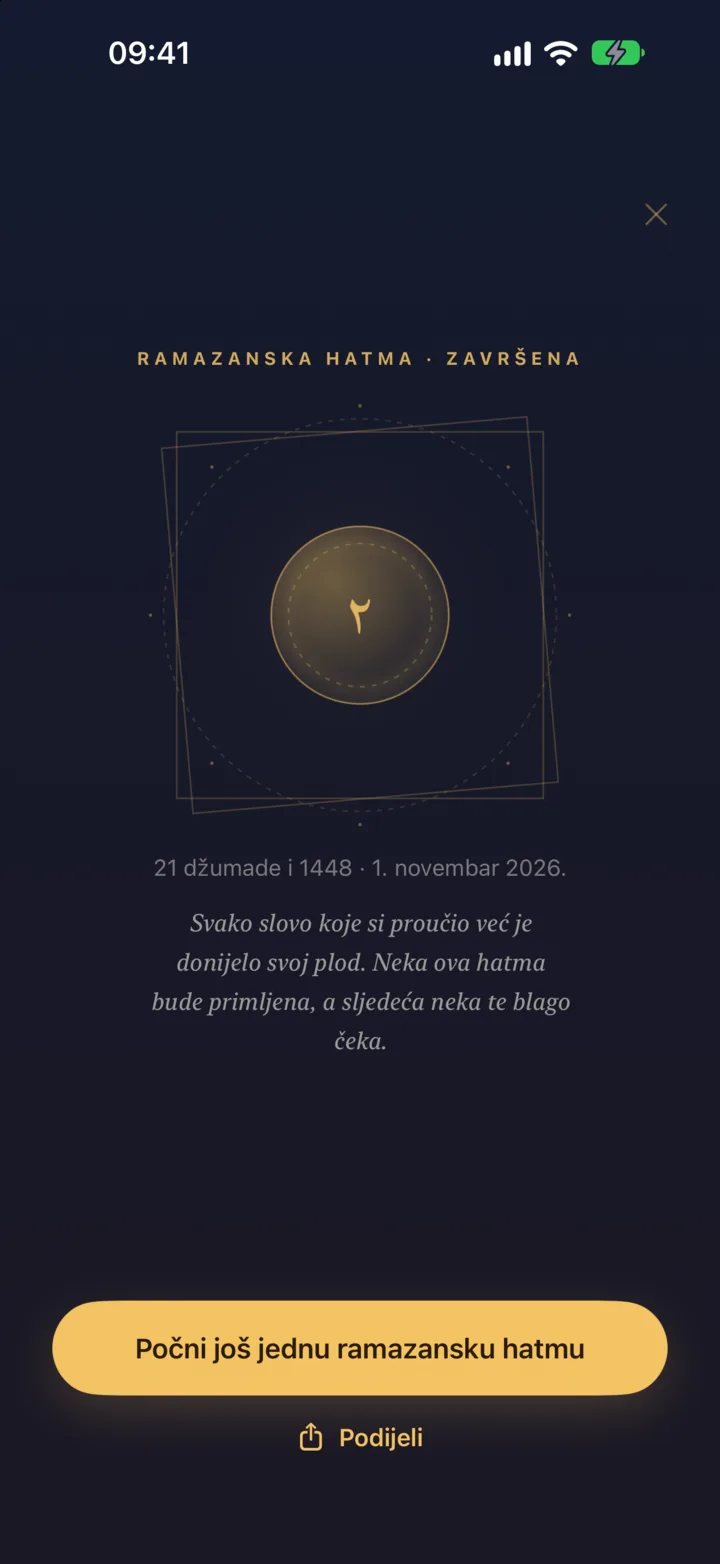
A juz is 20 pages. If that sounds like too much in one go, it is easy to split: four pages after each prayer and the juz is done by the end of the day. When you finish a whole juz, Wird marks it with a short, quiet and lovely moment, and if you manage to finish the whole Ramadan khatma before the month ends (as many do), Wird will offer you to start a second one.
In the last ten nights of Ramadan the home screen changes again, and the odd nights in which we seek Laylat al-Qadr are specially marked, so these blessed nights don't slip past you in the tiredness the last days of fasting bring.
Reminders and listening
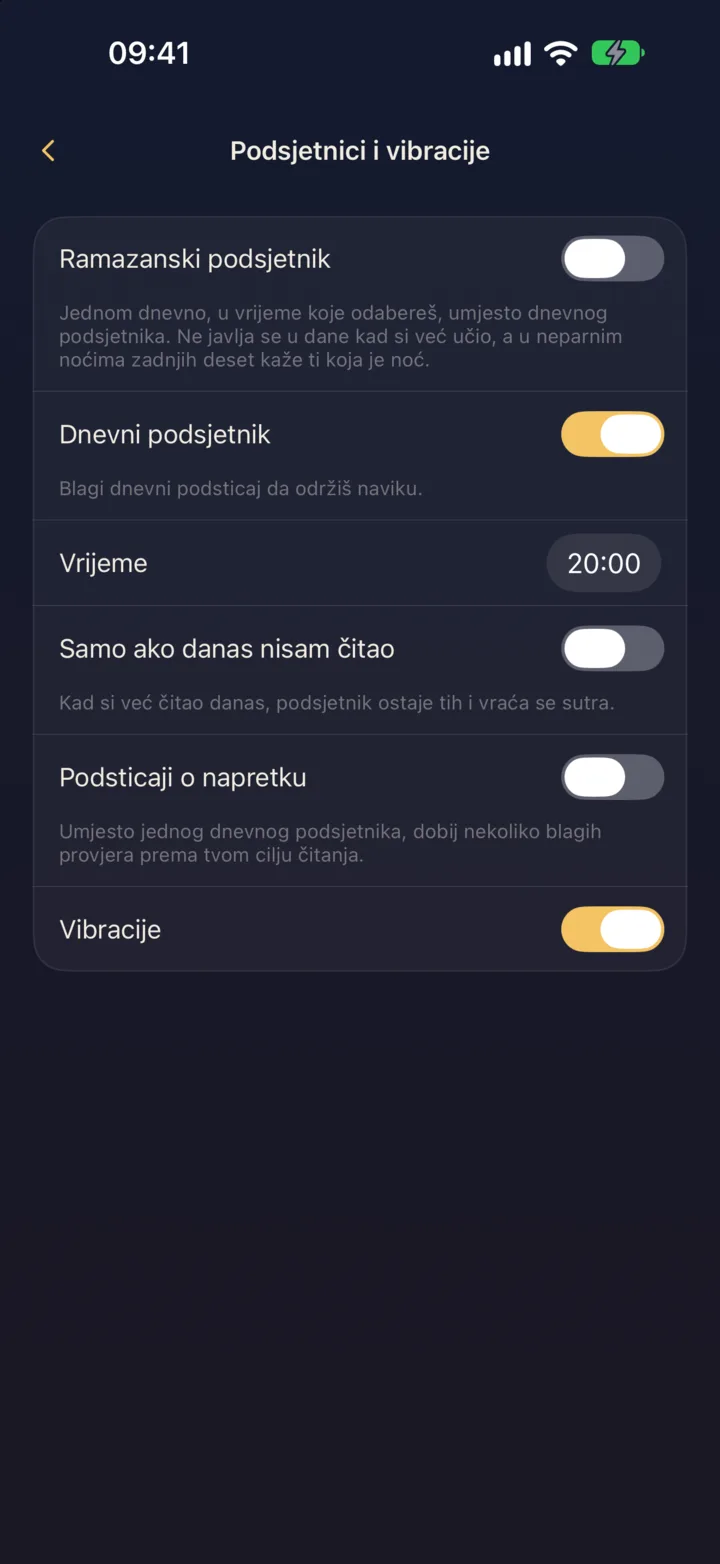
If you like, turn on Ramadan reminders. They will come at most once a day, unobtrusively, at the time when it is easiest for you to pick up the mushaf. If you have already read that day, Wird is smart enough to skip the reminder on its own and not bother you with something you have already done.
Ramadan days can be long and packed with obligations, so whenever you can't read, there is listening: in the car, while you prepare iftar or while you wait for tarawih. Listening in Wird works as a completely separate khatma with its own progress, and a recitation you have downloaded once works without internet too.
Eid
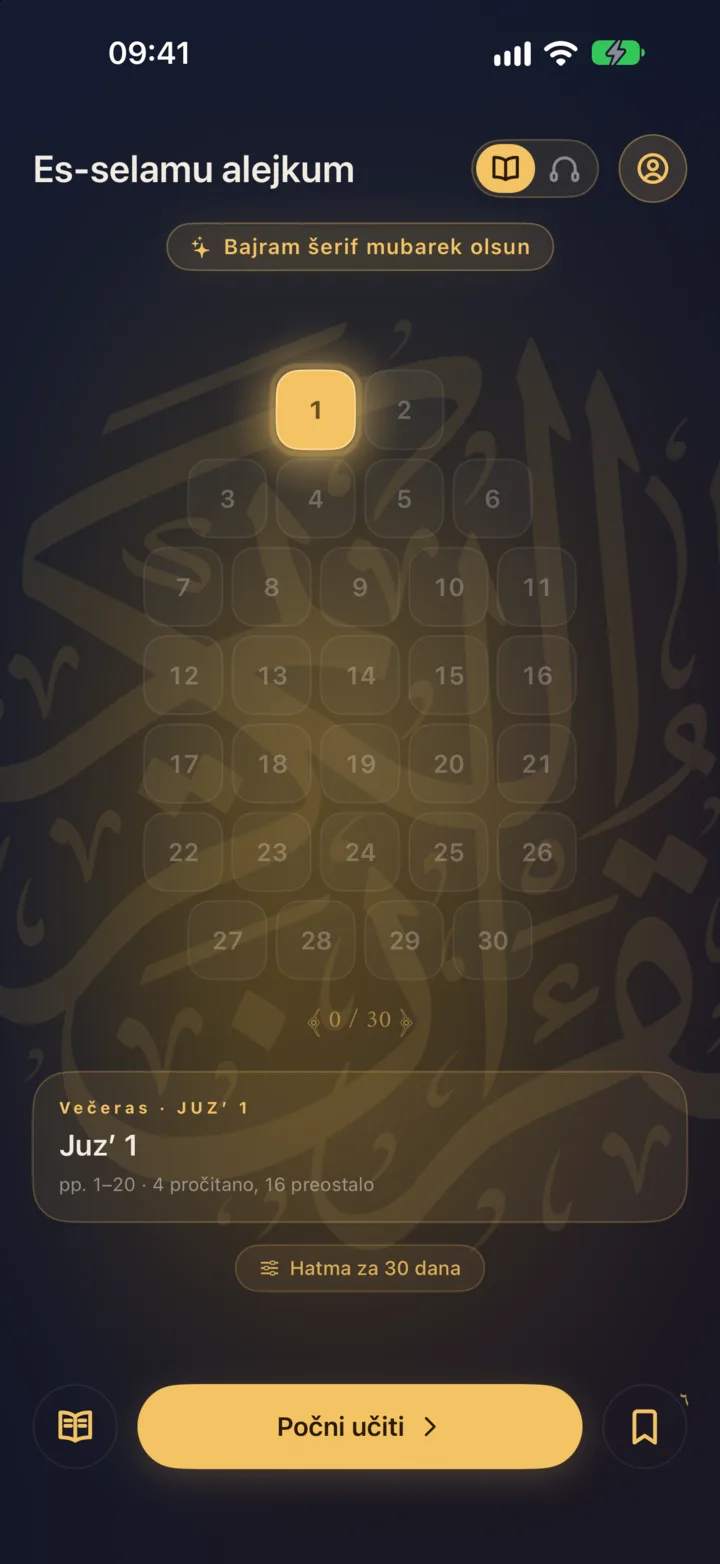
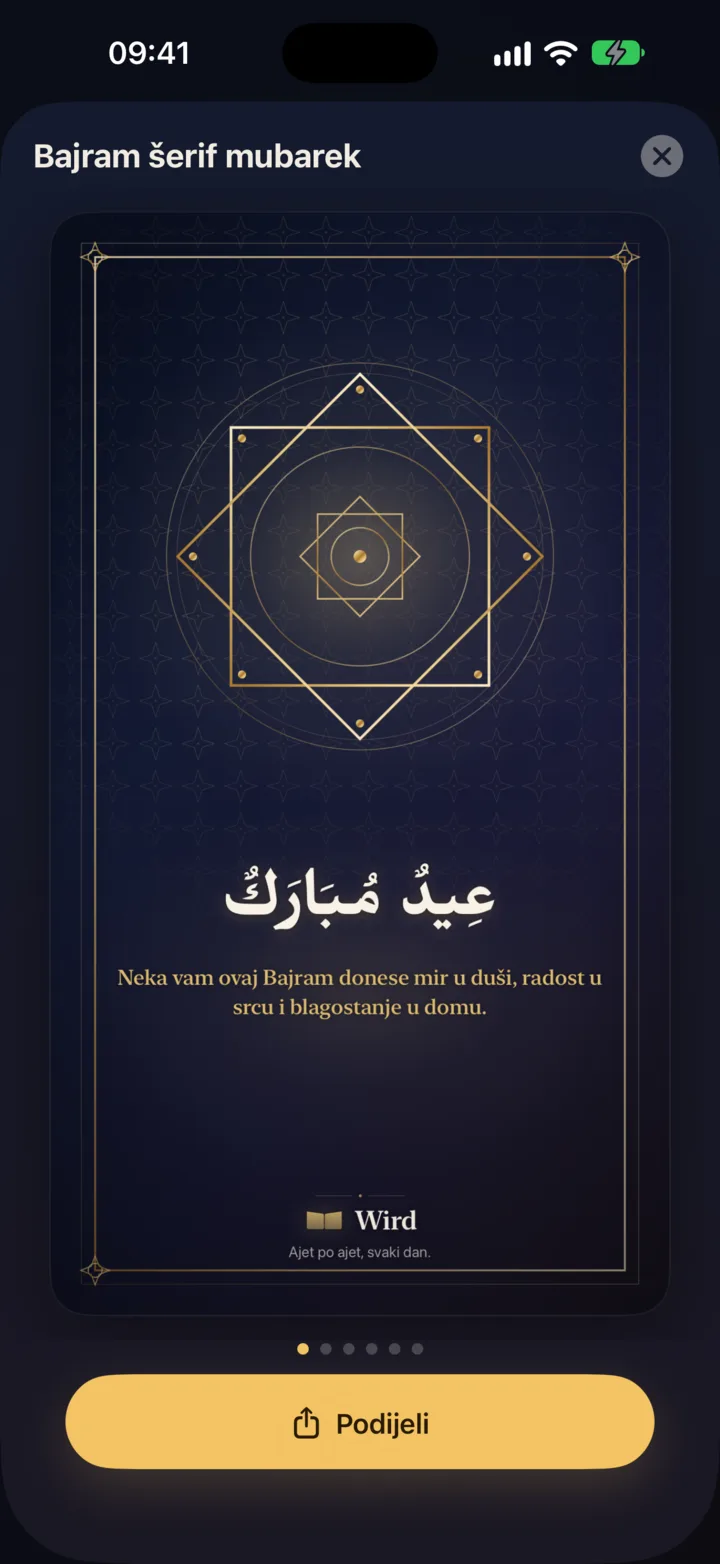
On the morning of Eid, Wird greets you with a card, and with one tap you open a collection of Eid cards you can send to family and friends.
How to prepare in good time
- Update Wird before Ramadan, because the Ramadan khatma choice and all these new options come with the new version of the app.
- Decide in advance whether you will do a Ramadan khatma or continue your current one, so that on the first night you just open the app and start reading without thinking twice.
- If you plan to listen a lot, download the recitation while you are still on a stable Wi-Fi network.
- Turn on reminders if you know your days slip away too quickly in obligations.
- Invite someone to read with you, because Ramadan is always easier and sweeter when you are not alone.
Finally
Ramadan passes much faster than we expect. Wird can't create extra time in your day, but it can remove all the small obstacles that take that time away: looking for the exact spot where you stopped, counting pages by hand or working out how much is left. All that is left for you is to open the app and read.
May our Lord let us reach Ramadan alive, healthy and blessed, and spend it close to His Book.